

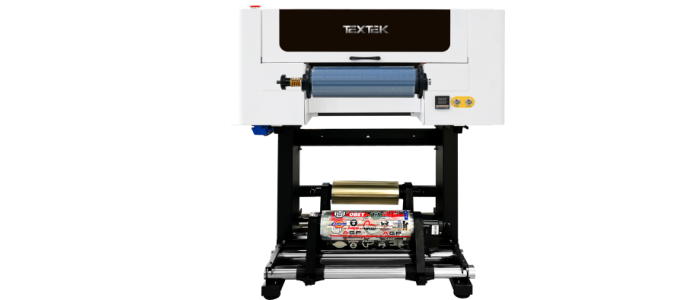


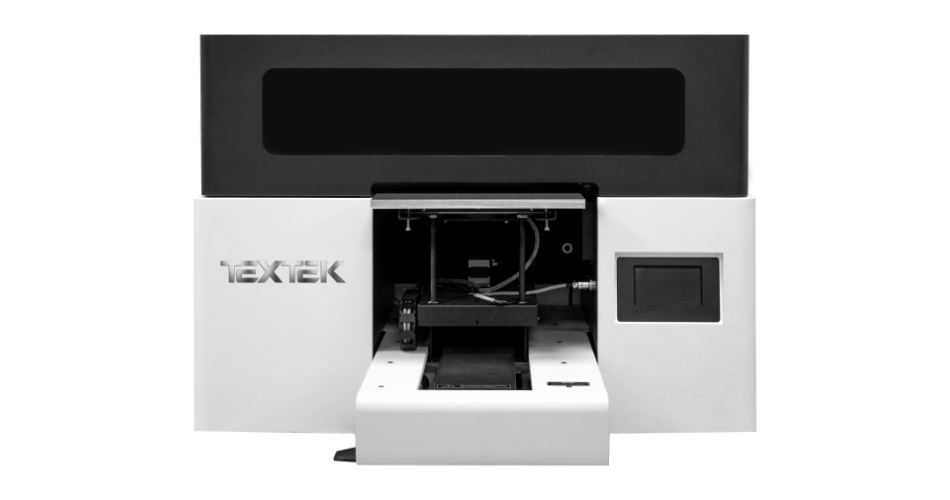
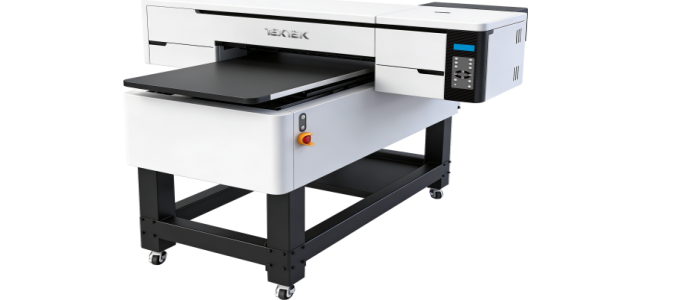
Our quality products and best service will make your business much better.
Professional . Specialized . Experienced
(English)

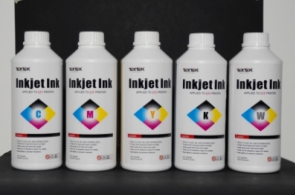
A standard DTF printing workflow typically requires DTF ink, PET transfer film, and hot-melt adhesive powder.
You also need a heat press to transfer the finished design onto fabric.
Choosing compatible consumables and following the recommended printing, curing, and transfer settings can help achieve consistent results.
Storage conditions, ink handling, and regular printer maintenance also support reliable production.
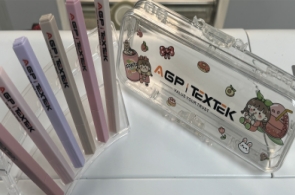
UV printers can print on a wide range of materials, including acrylic, glass, metal, wood, PVC, and certain plastics.
However, print results depend on the material's surface, ink adhesion, thickness, and the printer's specifications.
Some materials may require surface treatment or adhesion testing before production.
Always test your intended materials before starting a large production run.
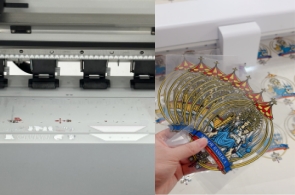
DTF (Direct-to-Film) printing mainly creates transfers for garments and other fabric products. Heat and pressure transfer the printed design onto the fabric.
UV DTF printing uses UV-curable inks to create decorative transfers on AB film, which can then be applied to suitable hard surfaces such as glass, acrylic, metal, and plastic.
The best choice depends on your target materials and applications.

We need to change the new printhead due the wastage or aging of printhead in the using process. But printhead is a sophisticated part, which needs operating according to the requirement when replacing a new one. Here are some specific points we need to pay attention to when changing new printhead:
A. Empty the extra ink in the printhead and clean it fully by using the special cleaning liquid;
B. Turn off the machine power supply and unplug the power outlet;
C. Use multimeter to test the fuselage to see whether there is electrostatic and release the static electricity;
D. Upload the right screw in fix to printhead, loosen the upper screw and the left screw, remove the printhead;
E. Put the printhead on the non-woven fabric with cleaning liquid and put it in the box;
F. The correct loading of printhead can avoid some unnecessary loss and prolong the service life of the printhead.

1. The servo motor is broken, we need to replace the servo motor.
2. The encoder sensor is dirty, need to use cotton swabs dipped in water to clean.
3. The encoder sensor is broken, we need to change a new one.


